How to Redeem Wings Fight Codes
Load in, open the gift UI, paste carefully, and confirm rewards before you spend.
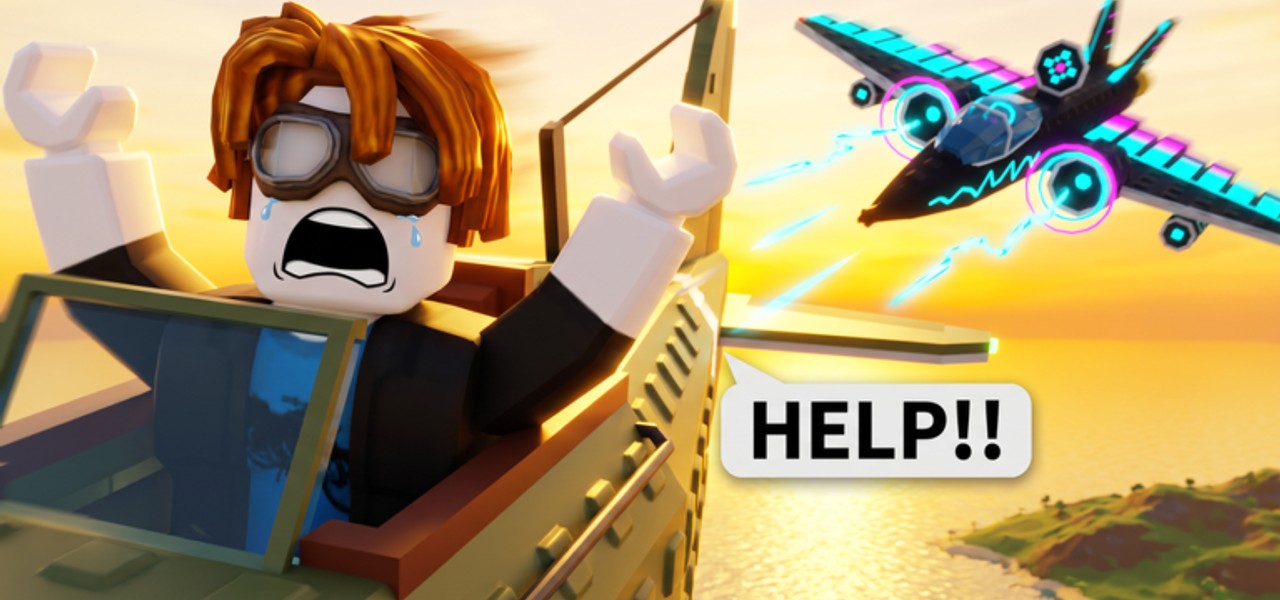
Redeeming a Wings Fight code is straightforward once you know where the Clickingg client hides the gift entry. The game is new, so button labels may say Codes, Gift, Rewards, or live inside the Shop panel depending on the build you load. This guide walks through a reliable sequence that works across PC, mobile, and console Roblox—including PS5 sessions—and explains why codes fail even when the string looks right.
Before you start, skim the Codes Hub to confirm a code is still listed as active. There are no verified public codes at the time of writing; practice the flow now so you are ready when Clickingg drops the first wave. After a successful claim, read Code Rewards before emptying your wallet on the wrong plane.
Preconditions
- Use the authentic place: Wings Fight on Roblox.
- Stay signed into the Roblox account that should receive the gift.
- Prefer a stable connection—mid-redeem disconnects sometimes eat the attempt without granting loot.
- Join a live server and wait until your airplane (or hangar UI) is fully interactive. Redeeming on the loading tip screen is a common failure point in Roblox experiences.
Step-by-step redemption
1. Launch and enter a server
Press Play, select a server with open seats (max 10 players), and wait for controls to respond. If you are following Getting Started, finish the first spawn so HUD icons finish drawing.
2. Open the Codes / Gift UI
Look for a ticket, gift box, shop cart, or “Codes” text button along the edges of the screen. On mobile, you may need to expand a hamburger or sideways caret to reveal the same entry. Console players should highlight HUD buttons with the controller and confirm with the face button Roblox maps to UI select.
3. Paste or type the code
- PC: Ctrl+V into the text field; strip accidental spaces.
- Mobile: long-press paste; watch the on-screen keyboard so it does not insert autocomplete junk.
- Console: use the Roblox on-screen keyboard carefully—case errors are common.
Many Roblox codes are case-sensitive. WingsFight and wingsfight can be different strings.
4. Submit and watch for feedback
Tap Redeem / Claim / Submit. Success usually flashes cash, an item toast, or a shop highlight. Failure returns a short error such as invalid, expired, or already redeemed.
5. Verify the reward landed
Check your cash counter and hangar. If currency rose, decide whether to buy a role upgrade using Unlock Planes and Best Starters. If an item appeared, equip or store it before requeueing.
Platform tips
PC
Mouse precision makes the Codes button easy to miss if it sits near ads or chat. Zoom UI scale in Roblox settings if text is tiny. Keep a notepad of codes so you do not alt-tab mid-fight and crash into terrain.
Mobile
Rotate to landscape if the gift field is clipped. Close chat overlays that steal taps. Redeem before a tense dogfight so you are not typing while an interceptor dives you.
Console / PS5 via Roblox
Community videos show Wings Fight running through Roblox on PS5. Expect slower text entry. If paste is unavailable, type deliberately and double-check every character. You do not need a PC executor—codes are an in-experience feature, unlike the risky tools discussed on Scripts Safety.
Troubleshooting matrix
| Symptom | Likely cause | Fix |
|---|---|---|
| No Codes button | Still loading / different UI tab | Rejoin; open Shop and Settings panels |
| Invalid code | Typo, wrong game, fake list | Re-copy from Codes Hub; ignore random social tables |
| Already redeemed | Same account used it | Stop retrying; one claim per code is normal |
| Expired | Timed drop ended | Wait for the next Clickingg shoutout |
| Nothing happens | Lag or dead UI | Rejoin server; avoid redeeming during heavy combat |
| Wrong account | Alt logged in | Switch accounts before claiming |
Safety rules while redeeming
- Never type your Roblox password into a “code verify” website.
- Never download an “auto redeem script” for Wings Fight—none are needed, and indexes do not list trustworthy ones yet (Scripts Hub).
- Prefer codes announced via the Clickingg group (87770135) or repeated successfully by multiple players in-game.
After a successful claim
- Screenshot or note the reward for your own records.
- Compare hangar goals on the Tier List—do not impulse-buy a glass cannon if you still miss basic lead shots (Combat Tips).
- Practice converting the new cash advantage with Mid-Air Pickups so free HP keeps you alive long enough to earn more.
Related pages
- Codes Hub — active table
- Code Rewards — what gifts usually mean for progression
- Updates Hub — patch windows that may ship codes
- Official Links — place and group URLs
Master the redeem flow once. When the first real Wings Fight promo lands, you will claim it in seconds instead of dying in chat arguments about where the button went.
Frequently Asked Questions
Quick answers for Wings Fight pilots.
Where is the Codes button in Wings Fight?
Look for Codes, Gift, Rewards, or a Shop sub-tab on the HUD after you fully load into a server. Labels can shift slightly between early patches.
Why does my code say invalid?
Check spelling and case, confirm it belongs to Wings Fight, and verify it is still listed as active. Many social media lists are fake or expired.
Can I redeem on a phone or PS5?
Yes. Use the same in-game UI through Roblox. Console typing is slower, so double-check each character.
Do I need a script to redeem codes?
No. Codes redeem inside the experience. Avoid third-party auto-redeem tools.
What if there are no codes yet?
That is expected for this new release. Follow the Codes Hub and Clickingg group, and use this page’s steps when the first drop arrives.